Mermaid vs PlantUML: Which Diagram as Code Tool Should You Choose?

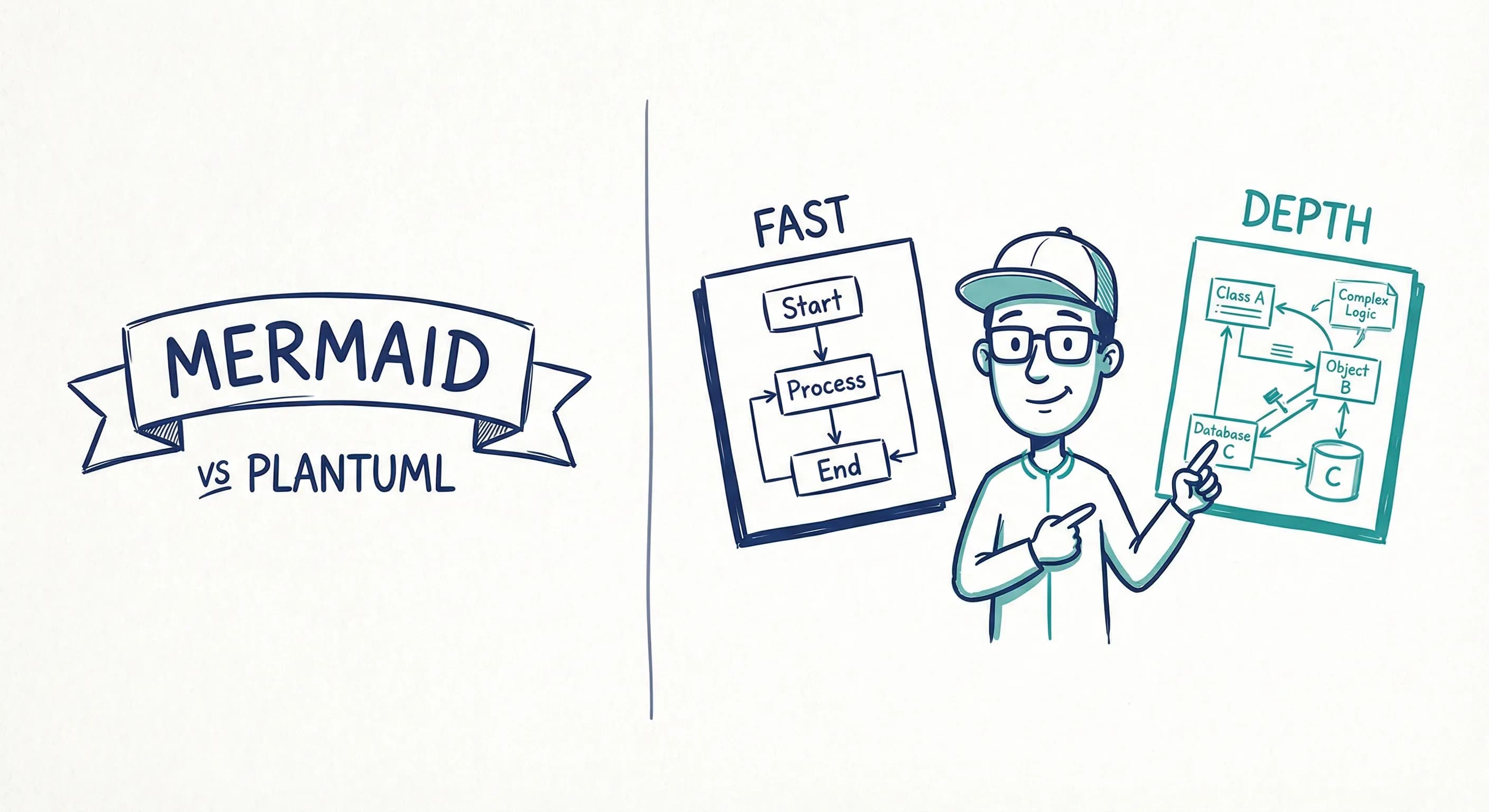
The Mermaid vs PlantUML debate usually starts with syntax and ends with preference.
That is too shallow.
If you are choosing between Mermaid vs PlantUML for software architecture, the real questions are broader. Who needs to understand the diagrams? Where will they live? How much control do you need? And how painful will maintenance become six months from now?
Here is the short answer: Mermaid is easier to adopt and easier to embed in Markdown-heavy docs. PlantUML is more mature, more flexible, and stronger when teams want a wider set of diagram types and more formal control. But both tools still share the same core limitation: text-first diagrams do not automatically become living architecture documentation.
If you want the Mermaid-specific angle, read Mermaid Architecture Diagrams: Where They Work, Where They Break, and What Teams Need Next. This post is about choosing between Mermaid and PlantUML.
The 30-second answer
Choose Mermaid if you want:
- lower adoption friction
- diagrams embedded directly in Markdown, docs portals, or wikis
- quick flowcharts, sequence diagrams, and lightweight architecture views
- something developers can start using immediately
Choose PlantUML if you want:
- broader diagram support
- more control over structure and styling
- stronger usage in documentation-as-code environments
- a deeper ecosystem around architecture notation, including C4
Choose neither as your long-term source of truth if you need:
- reusable components across many architecture views
- strong stakeholder readability
- easy visual editing
- living documentation backed by a shared model
That last point matters more than most comparison posts admit.
If you need a decision today, this is the blunt version: Mermaid is the easier default. PlantUML is the stronger specialist choice. Both become the wrong answer when the real problem is multi-view architecture maintenance.
Where Mermaid wins
Mermaid feels modern because it fits where teams already write docs.
You can paste it into Markdown. Many docs portals support it out of the box. Teams using Backstage, TechDocs, or internal wikis can start quickly without setting up much else.
That convenience matters. A tool that gets used beats a tool with more theoretical power that never gets adopted.
Mermaid also feels lighter. The syntax is approachable enough that many teams can pick it up without a long learning phase. For a quick service interaction, a workflow, or a lightweight architecture diagram, that is a real advantage.
In other words: Mermaid wins the first week.
Where PlantUML wins
PlantUML has been around longer and it shows.
It supports more diagram types, has a mature ecosystem, and often feels better suited to teams that are serious about documentation-as-code. If your team wants richer architectural notation, more structured diagram definitions, or libraries built around specific patterns, PlantUML is often the stronger candidate.
This is especially visible in C4 work. The PlantUML ecosystem has a well-known C4 library, and many architecture teams already know how to use it. So if the comparison is specifically about C4 diagrams in code, PlantUML often has the edge.
The tradeoff is obvious: more capability usually means more overhead.
In other words: PlantUML wins when your team already knows it needs more than convenience.
Mermaid vs PlantUML for architecture work
Here is the comparison that matters most for software teams.
| Aspect | Mermaid | PlantUML |
|---|---|---|
| Learning curve | Lower | Higher |
| Markdown and wiki embedding | Excellent | Usually less direct |
| Diagram variety | Good | Stronger |
| C4 ecosystem | Improving but lighter | Stronger |
| Layout and control | Moderate | Stronger |
| Developer adoption speed | Faster | Slower |
| Documentation-as-code fit | Good | Very strong |
| Stakeholder readability | Mixed | Mixed |
| Shared model behind diagrams | No | No |
There is a pattern here.
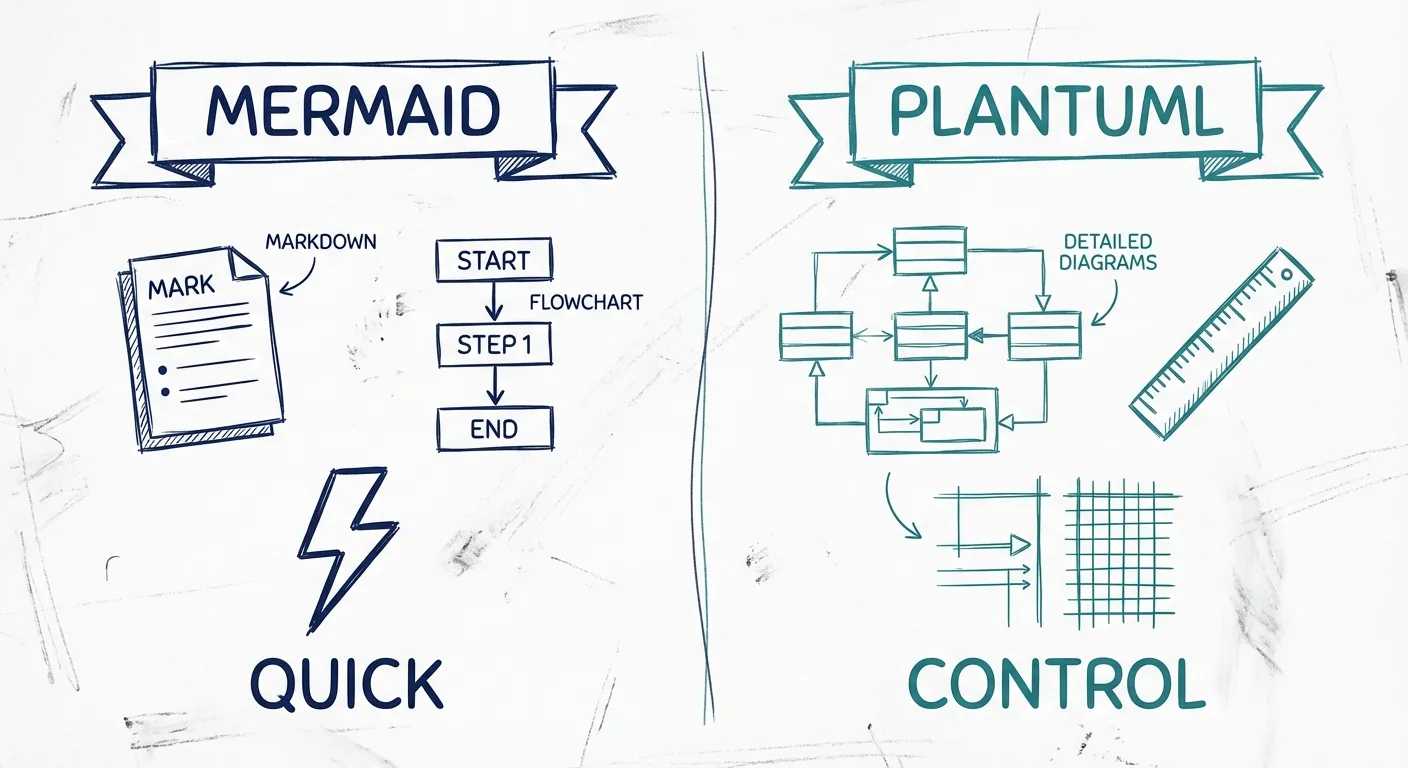
Mermaid optimizes for convenience. PlantUML optimizes for capability.
Neither one solves cross-diagram consistency on its own.
Real-world decision guide
If you want something more practical than feature checklists, use this.
Scenario 1: Your team writes architecture notes in Markdown and wants diagrams inside the docs.
Choose Mermaid.
Scenario 2: Your team wants a deeper text-based diagram language and expects to invest in it.
Choose PlantUML.
Scenario 3: Your team is doing serious C4-in-code work and already knows the PlantUML ecosystem.
Choose PlantUML.
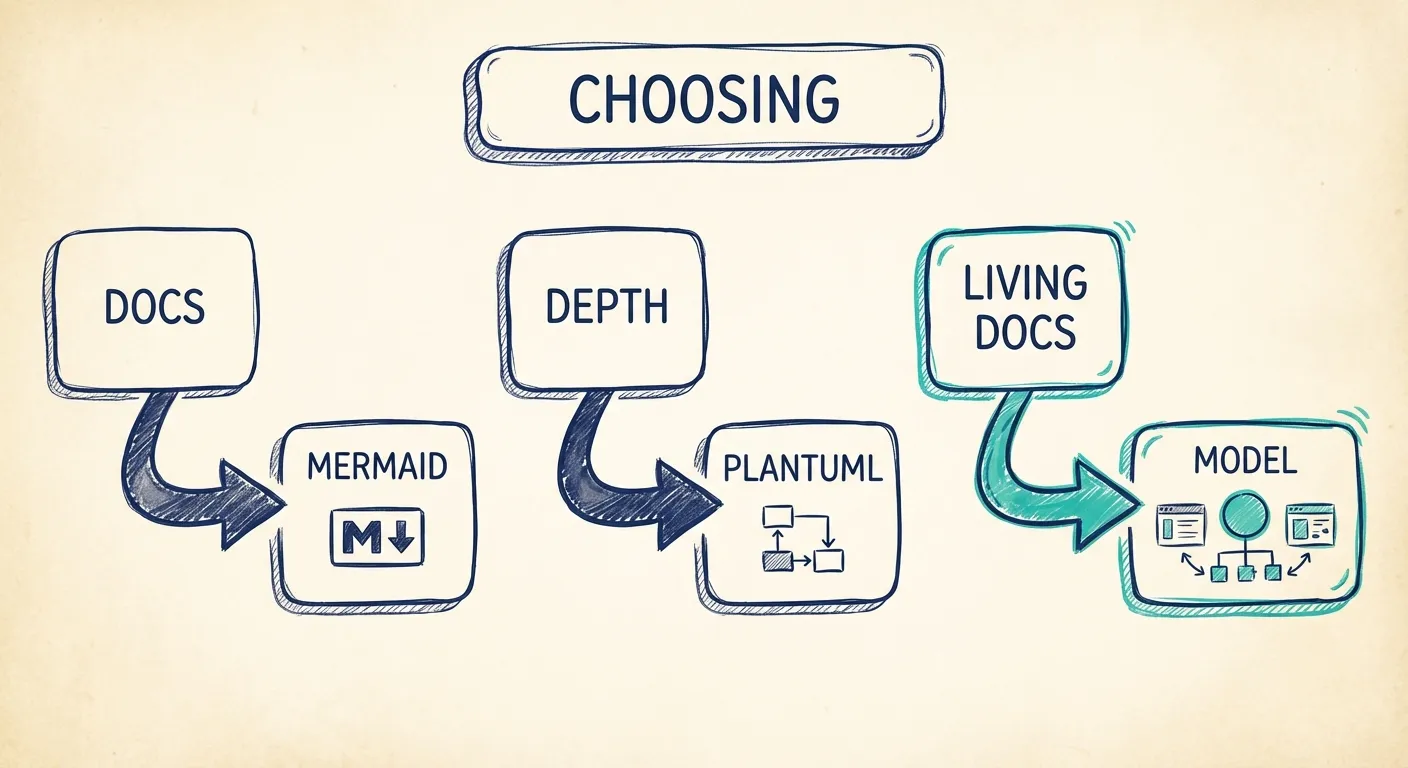
Scenario 4: Your architecture needs to serve engineers, stakeholders, onboarding, and review across several linked views.
Choose neither as the final answer. You are now solving a living documentation problem, not a syntax problem.
That is the main distinction. Mermaid is often the better docs-first option. PlantUML is often the better power-user option.
Which one is better for C4 and software architecture diagrams?
If the question is narrowly about C4 in code, PlantUML usually has the stronger case because of its mature C4 ecosystem.
If the question is about day-one adoption, Mermaid usually wins because more teams can start using it without setup pain.
If the question is about long-term architecture documentation, the answer changes.
At that point, the biggest issue is not whether you prefer Mermaid syntax or PlantUML syntax. The biggest issue is that both approaches still ask teams to maintain architecture as separate text definitions instead of working from a reusable architecture model.
That is why the debate can be misleading. Many teams spend time choosing the better syntax while ignoring the bigger workflow problem.
Choose Mermaid if
- your team writes heavily in Markdown
- you want the fastest path to embedded diagrams
- your diagrams are mostly lightweight and local to the docs page
- adoption speed matters more than advanced control
Choose PlantUML if
- your team already embraces documentation-as-code deeply
- you need broader diagram support or richer control
- you care a lot about formal structure
- C4 in code is a major requirement
Move past both if
- you need many architecture views to stay aligned
- the same components appear across several diagrams
- stakeholders outside engineering need to use the docs
- layout and communication quality matter as much as technical correctness
- you want architecture docs to be visual, current, and reusable
This is where diagram-first, model-backed tools start to make more sense. The goal is not to reject code-friendly workflows. The goal is to stop making syntax carry all the weight.
With Revision, teams can keep the workflow fit they like, but use a shared model underneath the diagrams. That means reusable components, linked views, visual clarity, and architecture docs that stay useful across engineers, stakeholders, and AI-assisted workflows.
FAQ
Is Mermaid easier than PlantUML?
Usually, yes. Mermaid is easier for most teams to start with, especially when the diagrams live in Markdown-based docs. That lower barrier is a big reason it spreads quickly.
Is PlantUML better for architecture diagrams?
PlantUML is often better when teams want more diagram types, more control, or stronger C4 support. But "better" depends on context. It is also heavier to learn and maintain.
Should software architects choose Mermaid or PlantUML?
Choose Mermaid for speed and embedding. Choose PlantUML for richer text-based diagramming. Choose a model-backed approach if the real goal is living architecture documentation rather than text-defined diagrams alone.
The bottom line
Mermaid and PlantUML are both credible tools.
Mermaid is the easier on-ramp. PlantUML is the deeper toolbox.
But architecture teams should look one level deeper than syntax. The real question is whether the workflow helps you keep diagrams clear, current, and connected across views.
If you only need a code-friendly diagram language, pick the one that best fits your team culture. In most cases, that means Mermaid first and PlantUML when you know you need more.
If you need architecture docs that stay coherent as the system changes, the better long-term answer is usually not Mermaid or PlantUML. It is a workflow where diagrams are backed by a shared model instead of a pile of disconnected text files.
You Might Also Like

Mermaid Architecture Diagram: When It Works, When It Breaks, and When to Move On
Thinking about using a Mermaid architecture diagram? Mermaid is fast, Git-friendly, and easy to drop into docs. But once systems grow, layout pain, duplication, and drift show up fast. Here is where Mermaid works, where it breaks, and when teams need something more.
Diagram as Code: When Text Wins, When It Doesn't, and What Comes Next
Diagram-as-code promises version control, diffs, and developer workflows. But it also trades visual thinking for syntax overhead. Here's an honest look at when text-based architecture works and when visual-first is better.
C4 Model vs UML: Which Should Your Team Actually Use?
UML has 14 diagram types. Most teams use two or three. The C4 model offers a pragmatic alternative: four levels of abstraction that developers actually want to maintain.
Architecture docs, finally.
Turn system knowledge into current architecture docs fast, with linked views and one shared model.
No credit card required