Revision vs draw.io.
draw.io is built for diagram files. Revision is built for living architecture docs.
No credit card required
.png&w=3840&q=75)
Teams that need software architecture docs to stay current across diagrams, reviews, and stakeholders.
Teams that want a free, general-purpose diagramming tool for many kinds of visuals beyond architecture.
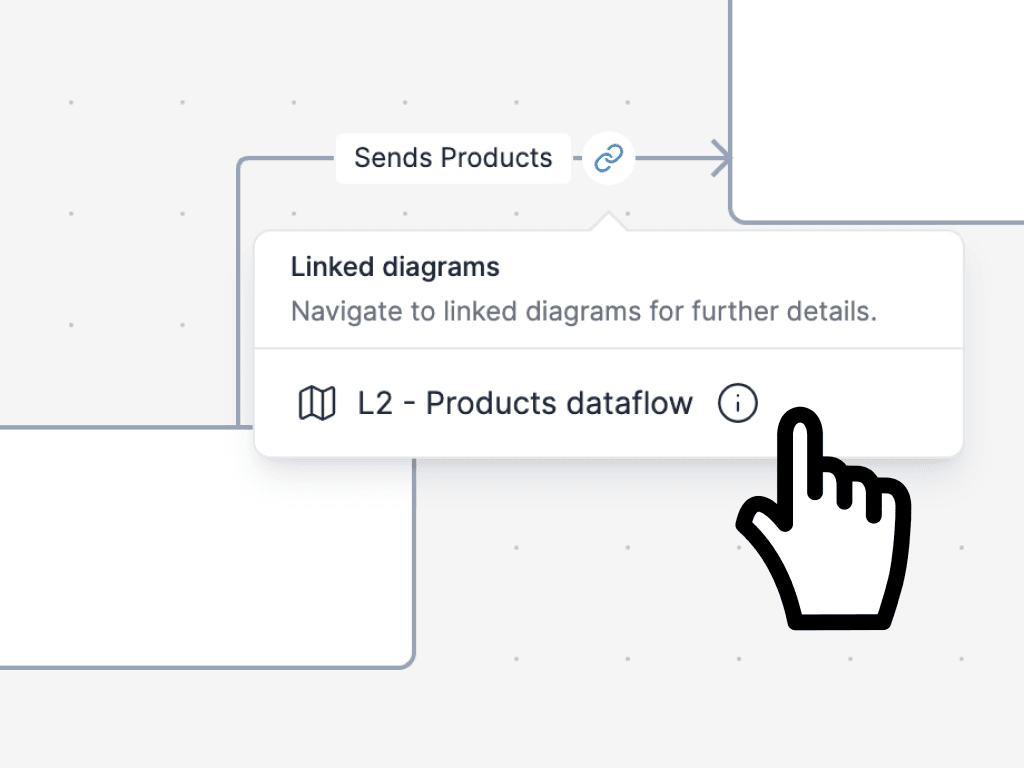
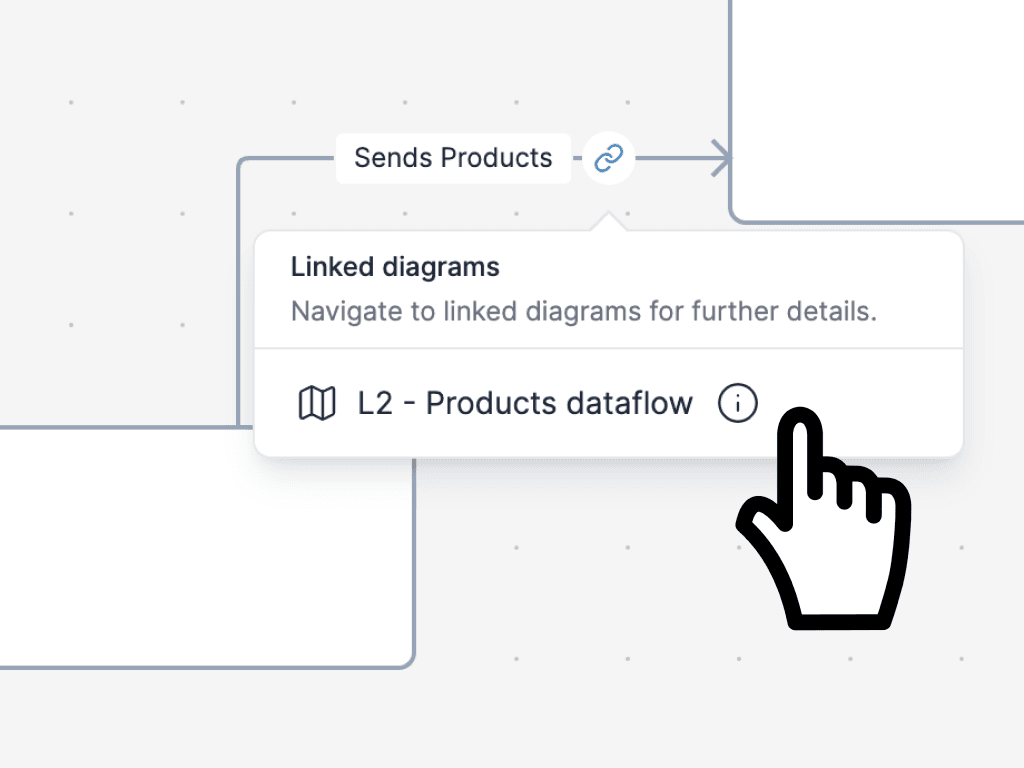
One shared architecture model behind multiple diagrams, components, and relationships.
Diagram files and canvases first, with broad flexibility but less emphasis on one reusable architecture model.
Reuse the same components across views, trace dependencies, and keep current-state and future-state docs aligned as the system changes.
Strong for creating and sharing individual diagrams, but each view is still maintained as a separate file.
Strong fit for YAML, JSON, API, Git, CI/CD, and AI-assisted architecture workflows.
Strong fit for flexible storage, editor integrations, GitHub and GitLab file access, and offline desktop use.
Readers and stakeholders stay free, which makes architecture rollout easier across teams and clients.
Easy to share files and collaborate without much setup, including no-account flows in parts of the product story.
Focused on software architecture documentation rather than every possible diagram type.
Broader general-purpose diagramming across UML, BPMN, floorplans, org charts, infographics, and more.
Starts with a 14-day free trial and charges only for editors. Readers stay free.
Strong free and open-source story with a free web editor, offline desktop app, and no required account for the core editor.
Revision gives you a shared model behind the diagrams so updates do not turn into scattered, contradictory files.
Reusable components and linked diagrams make it easier to keep context, detail, and stakeholder views aligned.
Choose Revision if architecture needs to stay in step with engineering, not sit beside it as a static file. YAML, API, Git, and CI/CD workflows make it easier to update documentation as the system changes.
Free readers and stakeholders make it simpler to share architecture docs across teams, clients, and reviewers.
draw.io is strong when you want a broad diagramming tool without paying for a specialized architecture platform first.
draw.io's public story is especially strong around bring-your-own storage, local files, Git integrations, and desktop use.
If your team creates many unrelated diagram types, draw.io covers a much broader range of use cases than Revision.
Choose draw.io if your main job is creating and sharing one-off diagrams, not maintaining architecture documentation over time. If a diagram does not need to stay consistent with other views or act as a trusted reference later, draw.io may be enough.
- One shared model behind multiple diagrams
- Reusable components instead of duplicated shapes
- Linked views for context, detail, and stakeholder communication
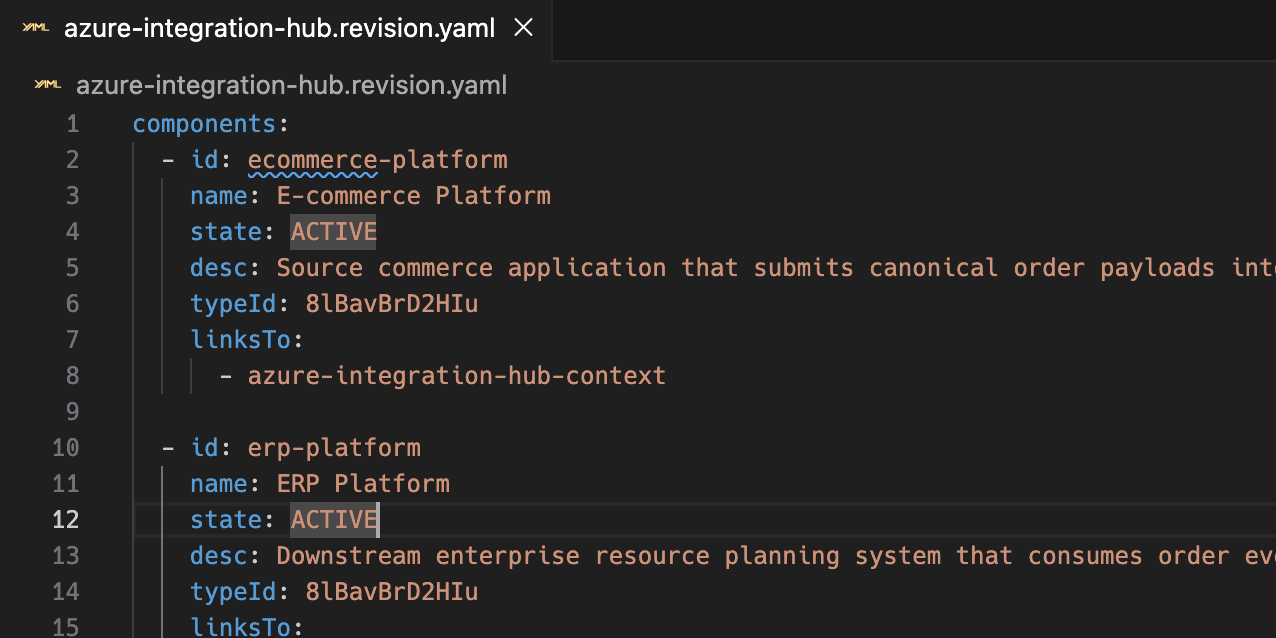
- Draft diagrams in YAML or JSON
- Review architecture changes in pull requests
- Sync updates through API and CI/CD workflows
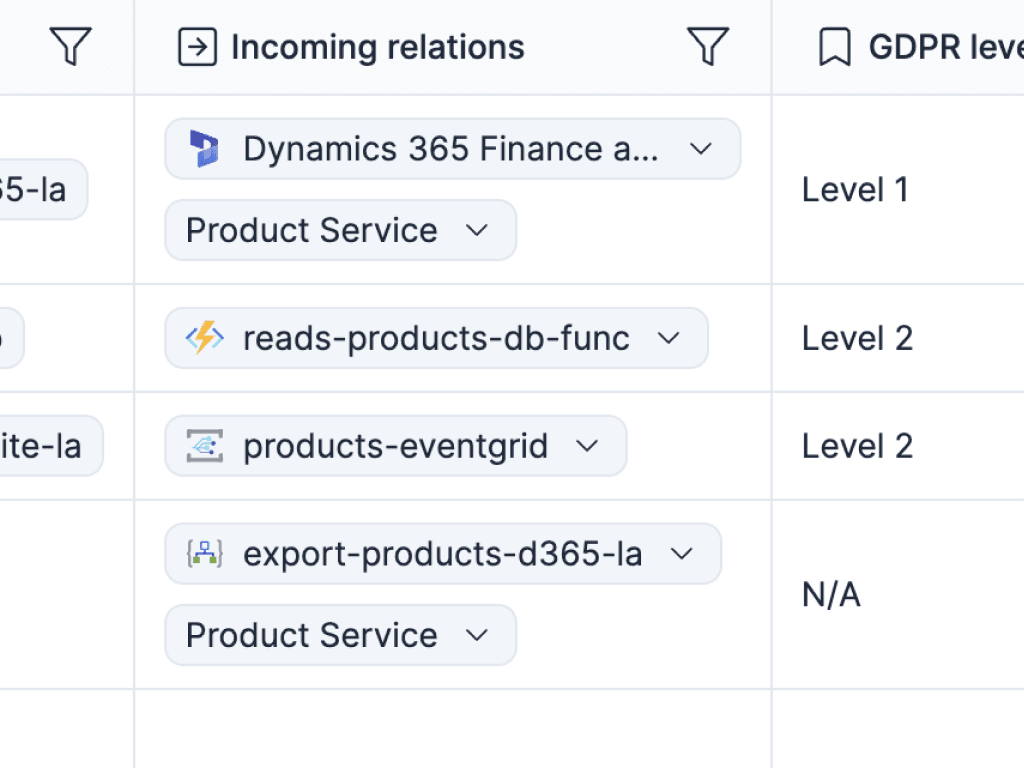
- Trace dependencies and answer impact questions faster
- Document current and future state side by side
- Keep architecture docs useful beyond a single meeting
.png&w=2048&q=75)
- Free readers and stakeholders
- Live links and always-updated embeds
- Export to Draw.io when another workflow still depends on it
See why pure drawing breaks down once architecture docs need to stay current.
Read moreRead the broader case for model-backed, living architecture documentation.
Read moreSee the workflow story that most clearly separates Revision from general drawing tools.
Read moreSee how Revision handles readers, stakeholders, consultants, and rollout across teams.
Read more

Because the structure is built in, our documentation stays consistent without extra work.
It's faster to write, review, and understand, which makes it much easier to keep the architecture current.
Straight answers for teams choosing between Revision and draw.io.
Start your free trial for living architecture docs.
Create clear diagrams, keep one shared model behind them, and give your team documentation that stays current without extra cleanup.
No credit card required