The Software Architecture Documentation Tool Your Team Will Actually Use

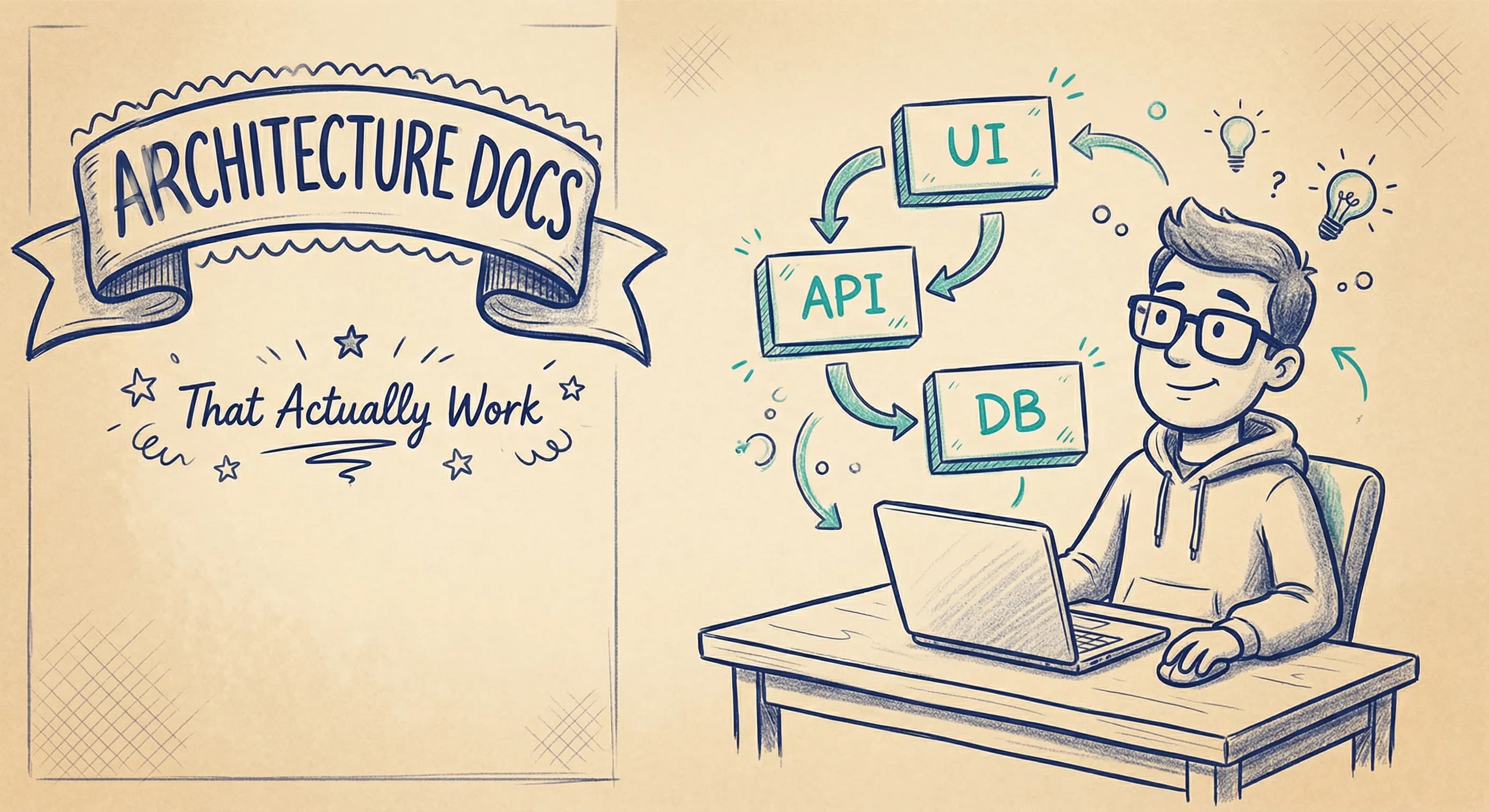
Every engineering team knows they should document their architecture. Few actually do it well.
The problem isn't a lack of tools. It's that most software architecture documentation tools are built for a world that doesn't exist anymore: waterfall planning cycles, dedicated documentation teams, and months of upfront design. Modern teams move fast. Architecture evolves weekly. And that shiny documentation? It's stale before the sprint ends.
So why do we keep reaching for tools that don't fit how we work?
Why Architecture Documentation Fails
Let's be honest about why most architecture documentation efforts die:
Nobody maintains it. The initial burst of documentation happens. Then the codebase evolves. Services get added. Dependencies change. The diagrams stay frozen in time, a snapshot of what the system used to look like.
It's disconnected from reality. Architecture docs live in one place. Code lives in another. Infrastructure in a third. There's no link between them. When the diagram says "Service A calls Service B" but that hasn't been true for six months, trust evaporates.
The tools are hostile. Enterprise architecture tools demand metadata fields, governance workflows, and formal modeling languages. Developers take one look and nope out. The documentation becomes the architect's burden. And architects have better things to do than babysit stale diagrams.
It's documentation for documentation's sake. Teams document because someone said they should, not because it solves a real problem. Without clear value, maintenance becomes an afterthought.
Sound familiar?
What Teams Actually Need
Here's what modern teams actually need. Not what EA vendors tell you that you need:
- Living documentation: Diagrams that stay connected to reality, not static images that rot
- Diagram-first workflow: Start visual, add structure as needed. Not the other way around.
- Developer-friendly: If developers won't use it, it won't get maintained. Period.
- Just enough structure: A real model underneath, but without rigid metamodels and mandatory fields
- Collaboration built in: Architecture isn't a solo activity. Teams need to work on it together.
- Quick time-to-value: Get useful diagrams in minutes, not after a three-month implementation project
The goal isn't comprehensive documentation. It's useful documentation: the kind that actually helps people understand the system and make decisions.
Heavyweight EA Tools vs. Lightweight Alternatives
There's a spectrum of architecture documentation tools. On one end: full-blown enterprise architecture platforms. On the other: drawing tools with no underlying model. Most teams need something in between.
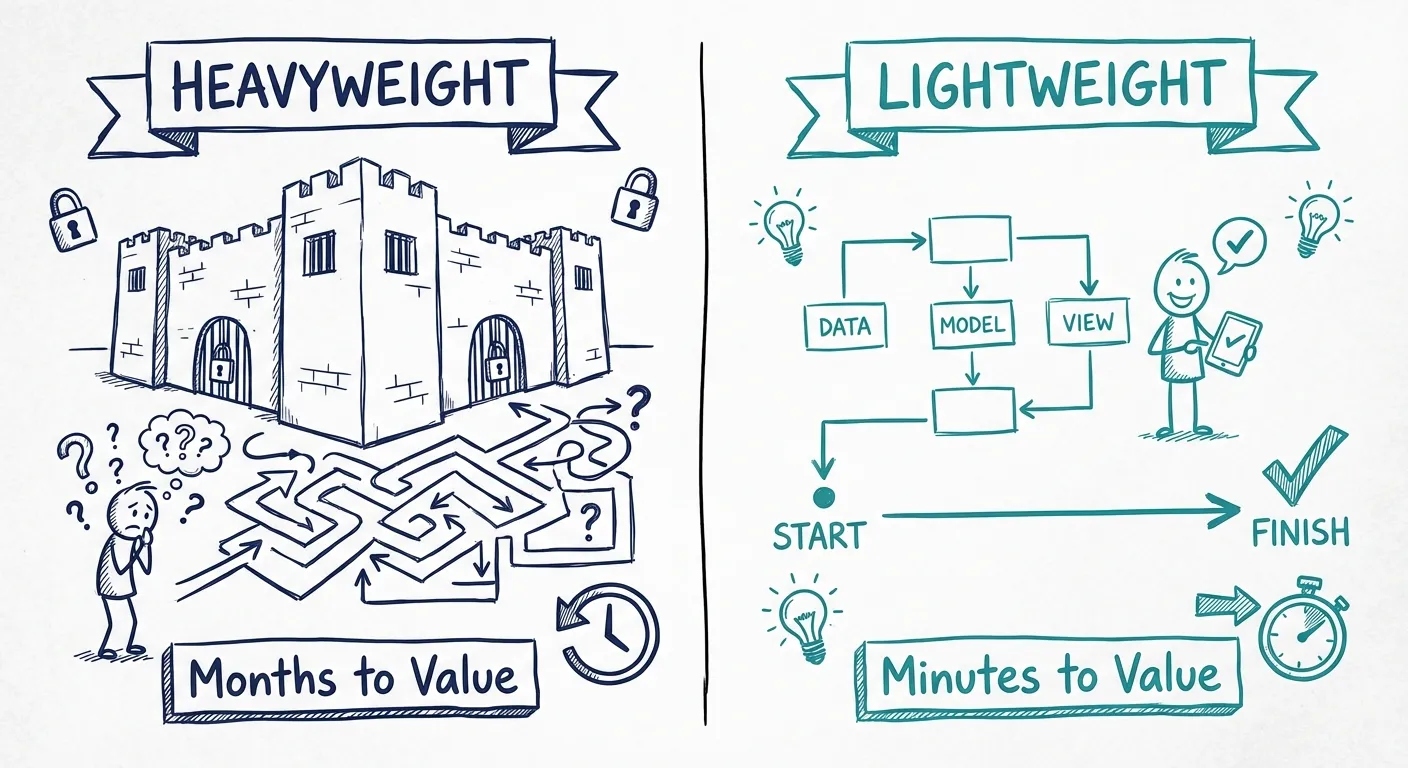
Enterprise Architecture Tools (Sparx EA, LeanIX, Ardoq)
Built for:
- Large enterprises with dedicated EA teams
- Top-down architecture governance
- Comprehensive asset inventories
- Compliance and regulatory requirements
The reality for most teams:
- Expensive licensing (often $500+/user/year)
- Steep learning curve: training required
- Heavyweight workflows that slow teams down
- Overkill for documenting a handful of services
- Developers refuse to touch them
Do you really need to fire up a heavyweight EA tool just to document how your microservices talk to each other?
General Diagramming Tools (Visio, Lucidchart, Miro, Draw.io)
Built for:
- Quick sketches and brainstorming
- General-purpose diagrams (not just architecture)
- Collaboration and whiteboarding
The problem:
- No underlying model: it's just shapes and lines
- Update one diagram, manually update the others
- Same component appears in five diagrams with five different names
- No consistency enforcement
- Quickly becomes a mess of disconnected images
These tools are great for drawing. They're not great for architecture documentation that needs to stay coherent over time.
Lightweight Architecture Tools (Revision, Structurizr)
Built for:
- Modern dev teams who want clarity without ceremony
- Diagram-first workflows with real models underneath
- Architecture that evolves with the codebase
- Teams who value simplicity over comprehensiveness
The sweet spot:
- Diagrams connected to a shared architecture model
- Update once, reflect everywhere
- Low barrier to entry: developers actually use it
- Enough structure to maintain consistency
- Quick to start, grows with your needs
This is where most teams should be looking. Not enterprise governance platforms. Not generic drawing tools. Something in between: purpose-built for architecture, but without the baggage.
What "Living Documentation" Actually Means
The phrase "living documentation" gets thrown around a lot. Here's what it should actually mean:
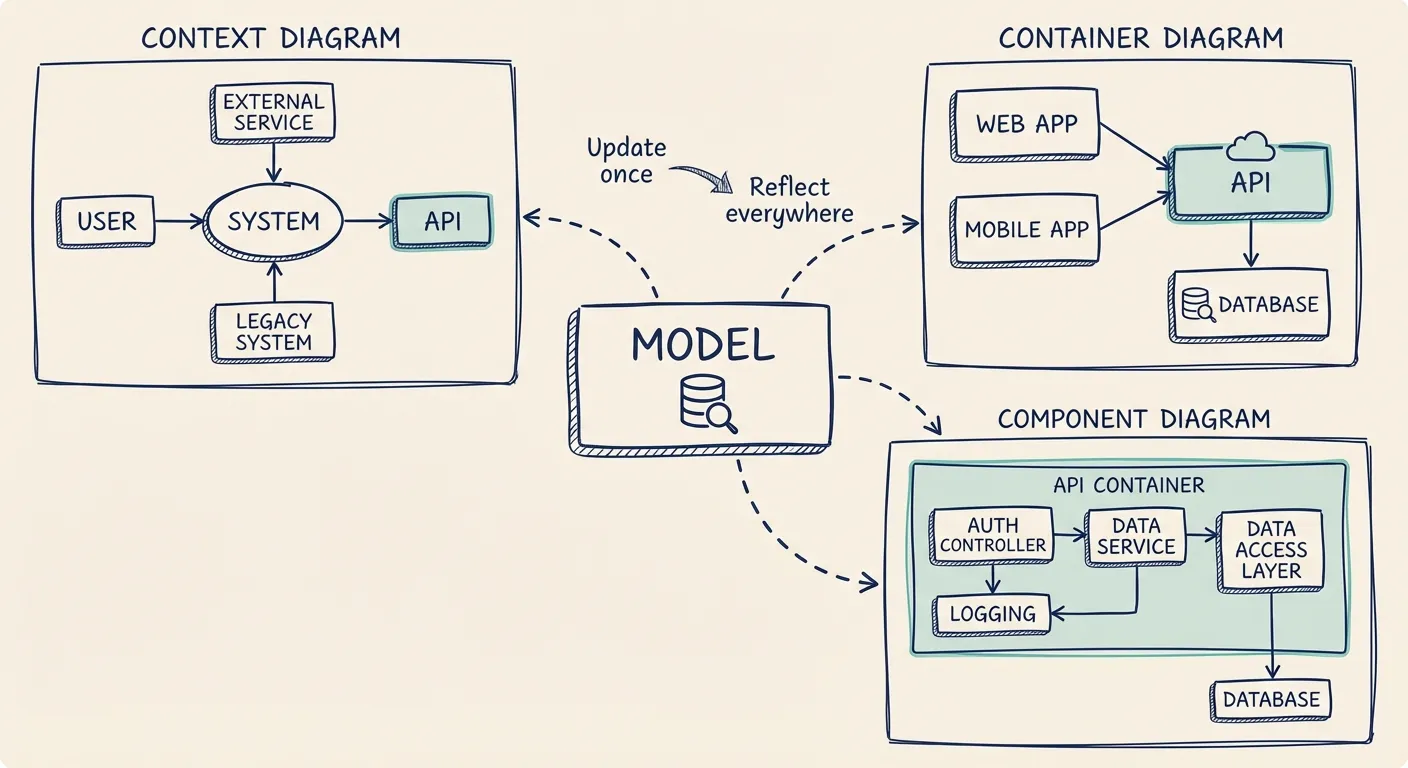
Connected diagrams. When you rename a service in one diagram, it updates everywhere. When you add a dependency, all affected views reflect it. No manual sync. No copy-paste errors.
Model-backed. There's a real architecture model underneath. Not just pixels. You can query it, export it, and trust that it represents reality.
Easy to update. If updating takes more than a few minutes, it won't happen. The tool needs to make changes frictionless.
Visible and accessible. Documentation that lives in a tool nobody opens is dead. Good architecture docs are embedded in the team's workflow: linked from READMEs, referenced in PRs, pulled up in design discussions.
The test is simple: when someone new joins the team, do they look at the architecture docs to understand the system? If yes, they're alive. If no, they're dead.
Choosing the Right Tool
Before picking a tool, get clear on what you actually need:
Start with these questions:
- How many people need to contribute? (Just architects, or developers too?)
- How often does your architecture change?
- What's your tolerance for process and governance overhead?
- Do you need to integrate with existing infrastructure (cloud providers, repos)?
- What's your budget per user?
Red flags to watch for:
- Required training or certifications to get started
- Complex pricing that scales poorly
- Mandatory governance workflows you can't disable
- No way to share diagrams outside the tool
- Diagrams disconnected from any underlying model
Green flags:
- Quick start: useful diagrams in under an hour
- Developers aren't scared of it
- Updates propagate across diagrams automatically
- Clear, simple pricing
- Exports and integrations with your existing stack
The best tool is the one your team will actually use. A simpler tool that gets adopted beats a powerful tool that gets ignored.
How Revision Approaches This
Revision is built for teams who want architecture clarity without enterprise ceremony.
Here's the philosophy:
Diagram-first, model-backed. Start by drawing. That's how architects think. But underneath, Revision maintains a real architecture model. Rename a component, add a relationship, change a boundary: it reflects everywhere.
C4 model as foundation. The C4 model gives you a practical, proven way to describe software architecture at multiple zoom levels, from system context down to code. Revision embraces C4 without forcing you into rigid compliance.
Azure integration. For teams on Azure, Revision can sync with your actual infrastructure. Your diagrams stay connected to reality, not just to memory.
Built for collaboration. Architecture isn't a solo sport. Revision is built for teams to work together: architects, developers, and stakeholders all in the same model.
Just enough structure. You get a real architecture model without mandatory fields, governance workflows, or certification requirements. Add structure as you need it, not because the tool demands it.
The result: architecture documentation that developers actually contribute to, diagrams that stay current, and clarity that scales with your system.
You Might Also Like
Enterprise Architecture Tools Are Overkill — Here's a Lightweight Alternative
Tired of bloated enterprise architecture tools? Discover why modern teams are switching to lightweight, C4-based modeling tools like Revision to stay agile, collaborative, and clear.
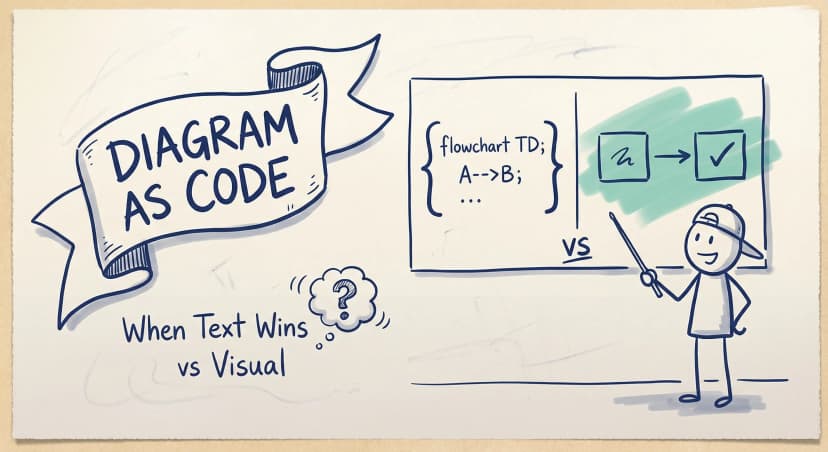
Diagram as Code: When Text Wins, When It Doesn't, and What Comes Next
Diagram-as-code promises version control, diffs, and developer workflows. But it also trades visual thinking for syntax overhead. Here's an honest look at when text-based architecture works and when visual-first is better.
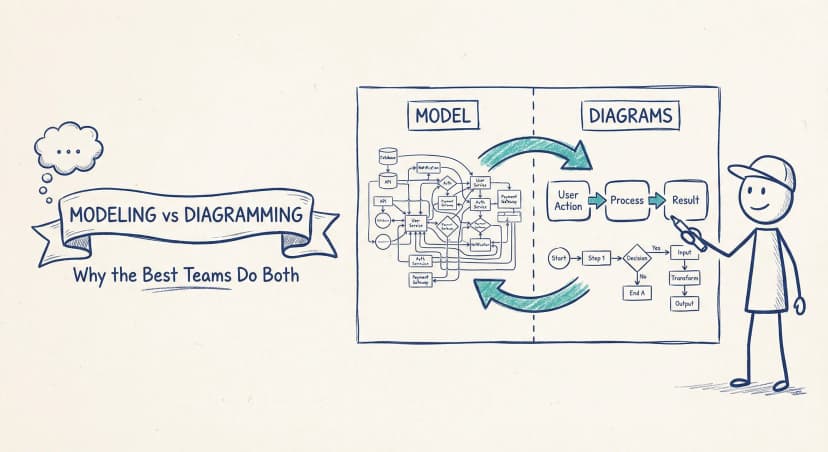
Modeling vs Diagramming: Why the Best Teams Do Both
Pure modeling fails because nobody uses it. Pure diagramming fails because it turns into chaos. The teams that get architecture documentation right find the balance — diagram-first, model-backed.
Architecture docs, finally.
Turn system knowledge into current architecture docs fast, with linked views and one shared model.
No credit card required