The practical wayto work withthe C4 model

Create C4 diagrams in a model-backed workflow that stays clear for stakeholders and useful for engineers.

Start free trial

No credit card required

Revision C4 diagram interaction on mobile
Built for practical C4
Revision supports the core C4 ideas while giving teams room to adapt them to real systems.
What stays true to C4
Context, Container, Component, and Code views

Use familiar C4 levels to move from overview to technical detail.

Simple notation people can actually read

Keep diagrams readable for engineers and stakeholders.

Linked hierarchies across diagrams

Let people zoom in and out instead of wrestling with one oversized diagram.

Where teams go practical
Start with Context and Container views

Get the structure right first. Go deeper only when the extra detail helps.

Keep deployment and flow context close

Strict separation sounds neat, but teams often need useful context where they already work.

Show paths, not just boxes

Onboarding, debugging, and impact analysis depend on how requests move through the system.
Why Revision works for C4 teams
Use C4 as a foundation. Keep what creates clarity. Adapt what gets in the way.
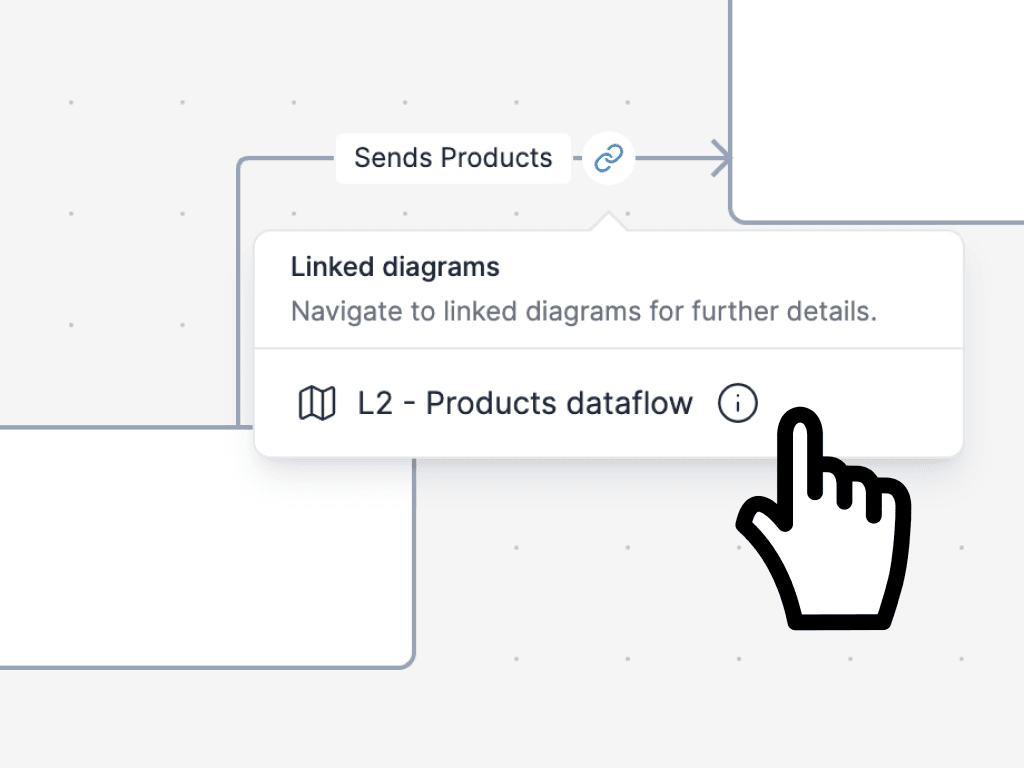
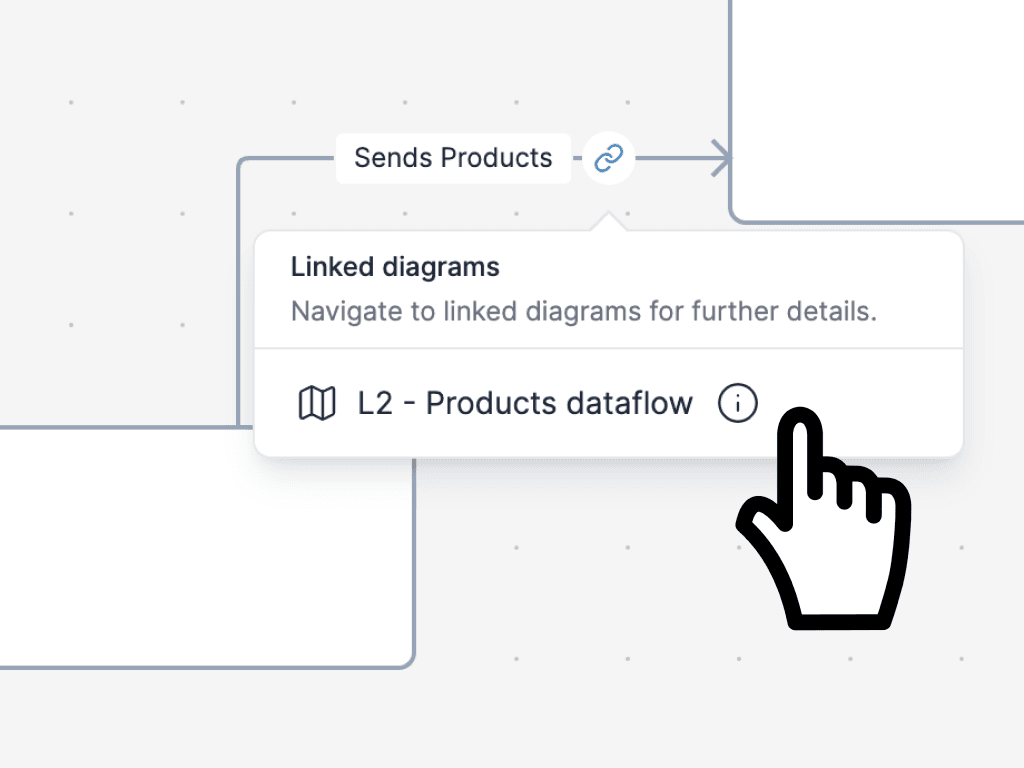
Linked C4 diagrams in Revision showing navigation across abstraction levels
Move through C4 levels without redrawing
Move from system context to technical detail in linked diagrams that stay in sync.
  • Support Context, Container, Component, and Code views
  • Link diagrams so each audience gets the right level of detail
  • Keep names, relationships, and labels consistent across views
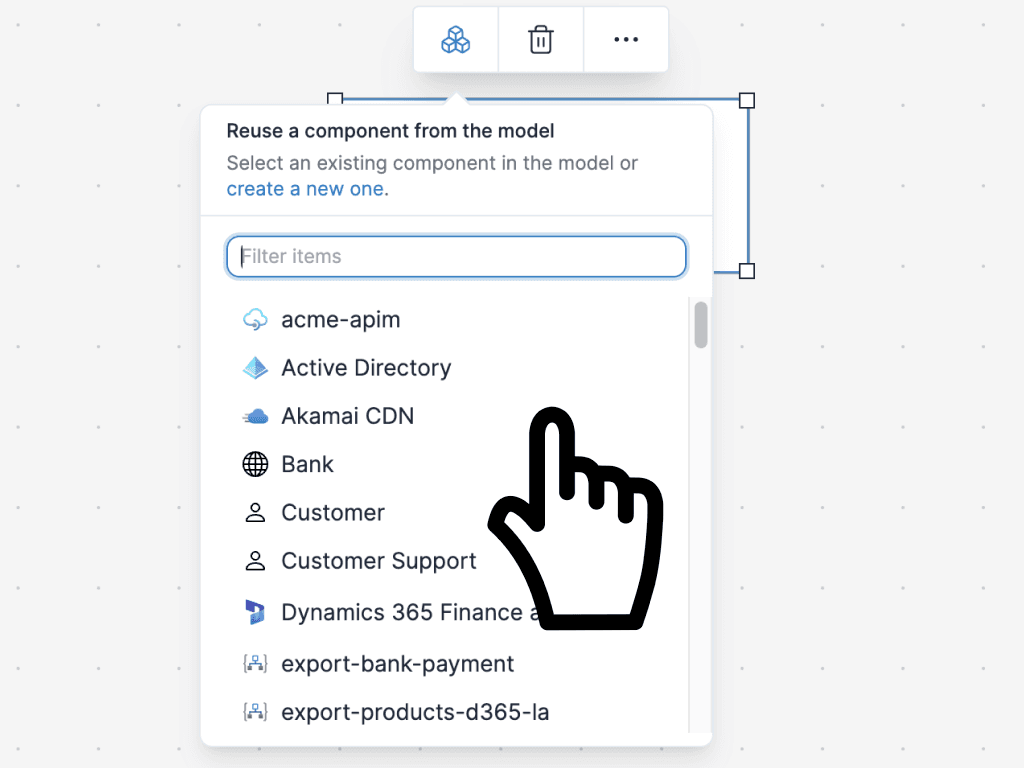
Reusable components across multiple architecture diagrams
Model once, reuse everywhere
Each box maps to a real model, so updates propagate instead of drifting across diagrams.
  • Create components once and reuse them in multiple diagrams
  • Update a component in one place and keep every view aligned
  • Trace relationships and dependencies instead of redrawing them
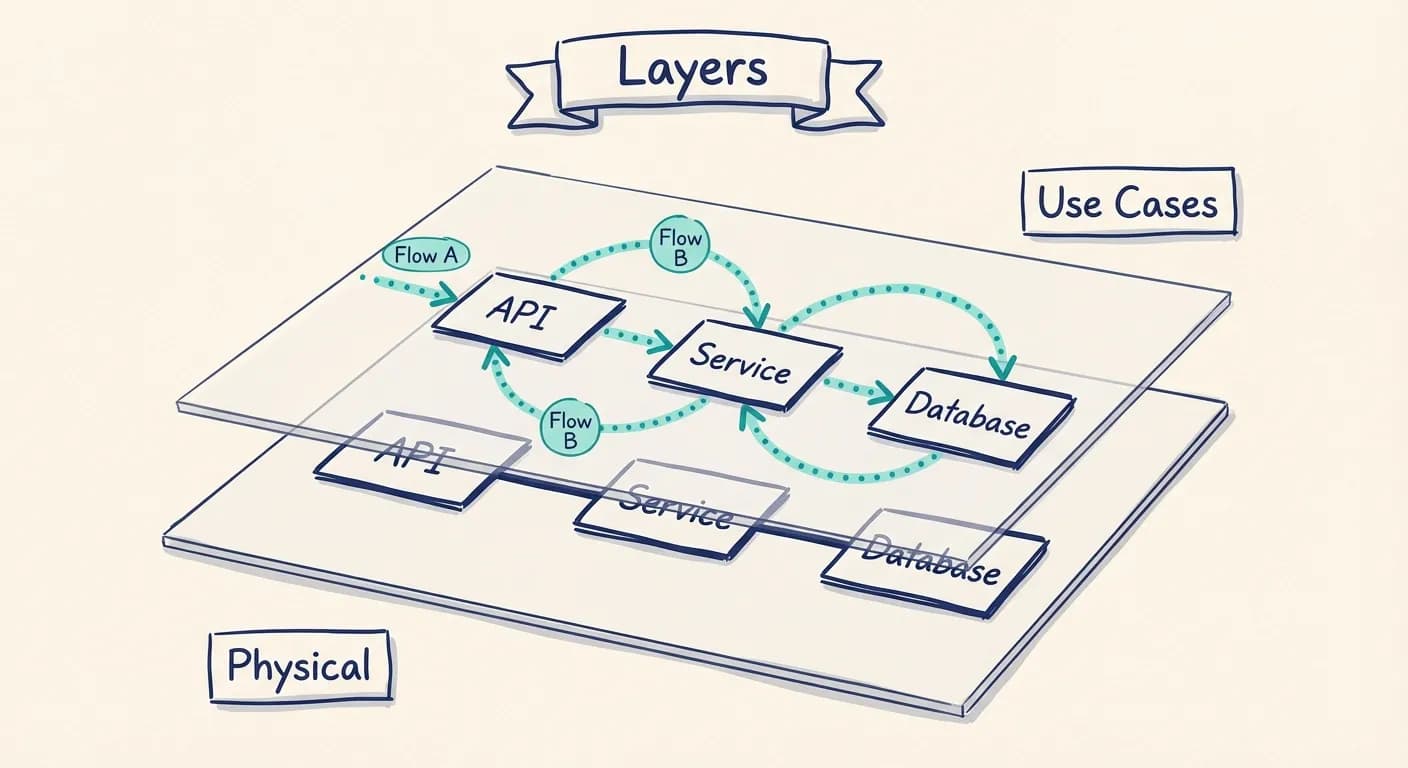
Use-case overlays on top of a C4 style architecture diagram
Show the flows people actually ask about
Static structure is only part of the story. Add use-case and dynamic context so onboarding, debugging, and impact analysis become easier.
  • Highlight important routes on top of the same model
  • Show how services collaborate for real business flows
  • Keep architecture views useful long after the first workshop
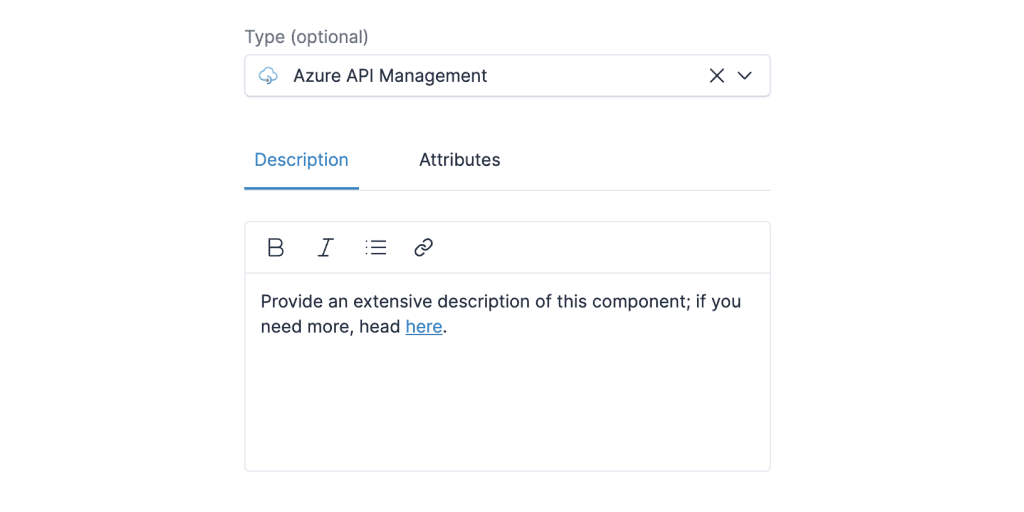
Architecture diagram with extra text, icons, and contextual annotations
Add context without losing clarity
Add the context that helps people understand the system without turning the diagram into a mess.
  • Add text, icons, and metadata directly to the model
  • Capture deployment context when it clarifies the picture
  • Link to ADRs, READMEs, and deeper docs from the architecture view
Keep going
These guides show how to apply C4 in practice and how Revision supports the model behind it.
Guide
Practical C4 modeling tips

See the trade-offs behind C4 diagrams teams actually maintain.

Read more
Guide
Add use cases on top of C4

Layer real flows onto the same model instead of creating disconnected diagrams.

Read more


Comparison
C4 vs UML

Compare lightweight communication with heavyweight notation.

Read more
Docs
Model-based diagramming

See how Revision keeps one shared model behind multiple views.

Read more
Proof from real teams
C4 brings clarity. Revision helps that clarity stay current.
Robin Hultman profile photo
Robin Hultman
CTO
Integrio logo

We used to leave documentation until the end of a project. Now we capture it during the design phase, before development starts.

It's surprisingly quick to do, so it's there when the team needs it.

Create C4 diagrams your team will keep updated.

Start with clear Context and Container views, then go deeper where it helps.

Start free trial

No credit card required