From promptto PR tolive diagram

Generate architecture diagrams with AI and code, then refine them in Revision.

Start free trial

No credit card required

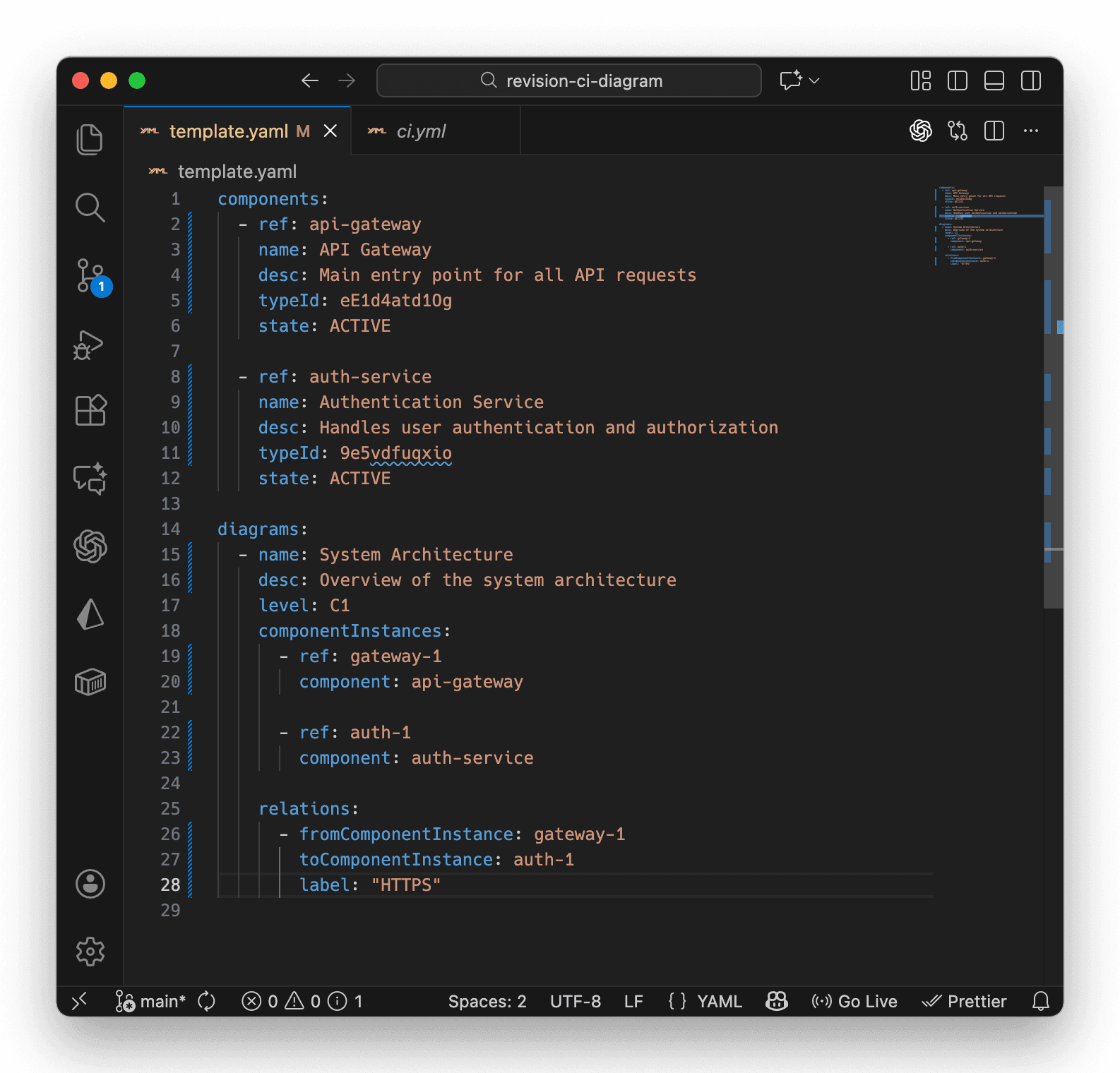
Revision YAML template and generated architecture diagram on mobile
Built for the developer workflow
Work in prompts, YAML, API calls, and pull requests without ending up with architecture as screenshots or disconnected files.
What developers want
Prompt into structured output

Let AI draft YAML or JSON your team can inspect, edit, and keep in the repo.

Pull requests for architecture changes

Review new dependencies, labels, and diagram updates with the same workflow you use for code.

One source of truth behind multiple views

Keep linked diagrams, reusable components, and readable visuals tied to the same model.

Where pure generation breaks down
Static images are a dead end

Screenshots and exported diagrams cannot be queried, reused, or updated safely by agents or humans.

One-off generations drift fast

If the output is not connected to a model, the next prompt starts from stale architecture context.

Developers still need the final diagram

Generated output has to help with debugging, onboarding, reviews, and stakeholder conversations after the AI step.
Where AI, code, and diagrams meet
Revision is not just diagram as code and not just AI generation. It gives developers a model-backed workflow that stays reviewable, queryable, and readable.
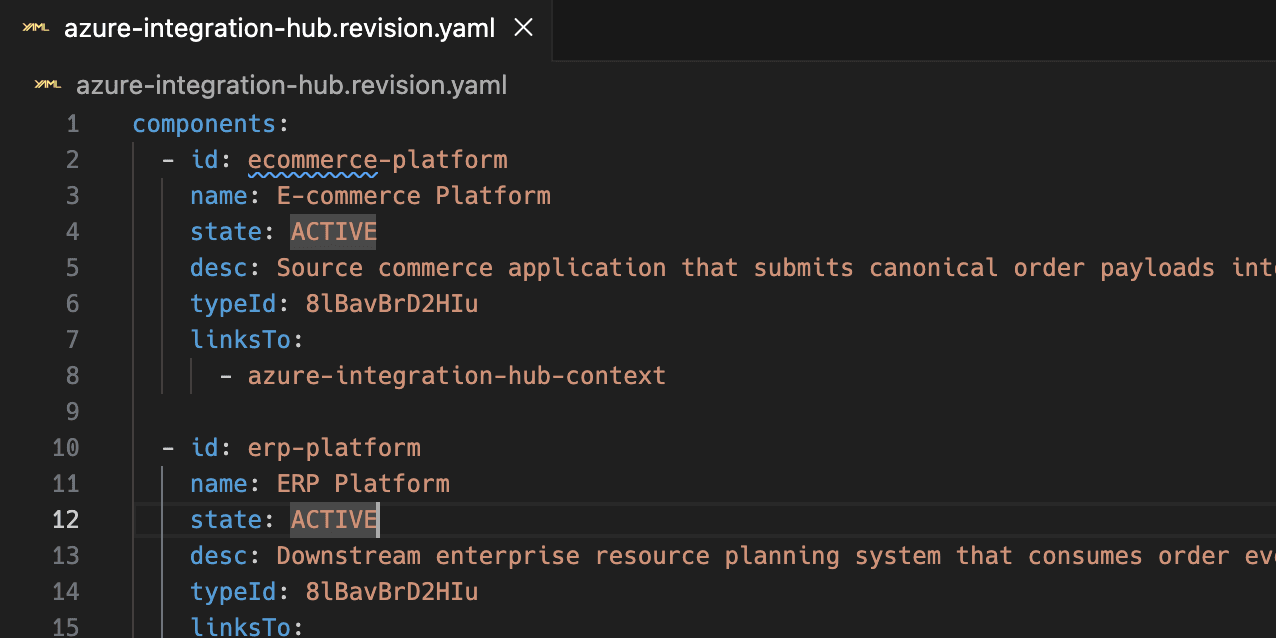
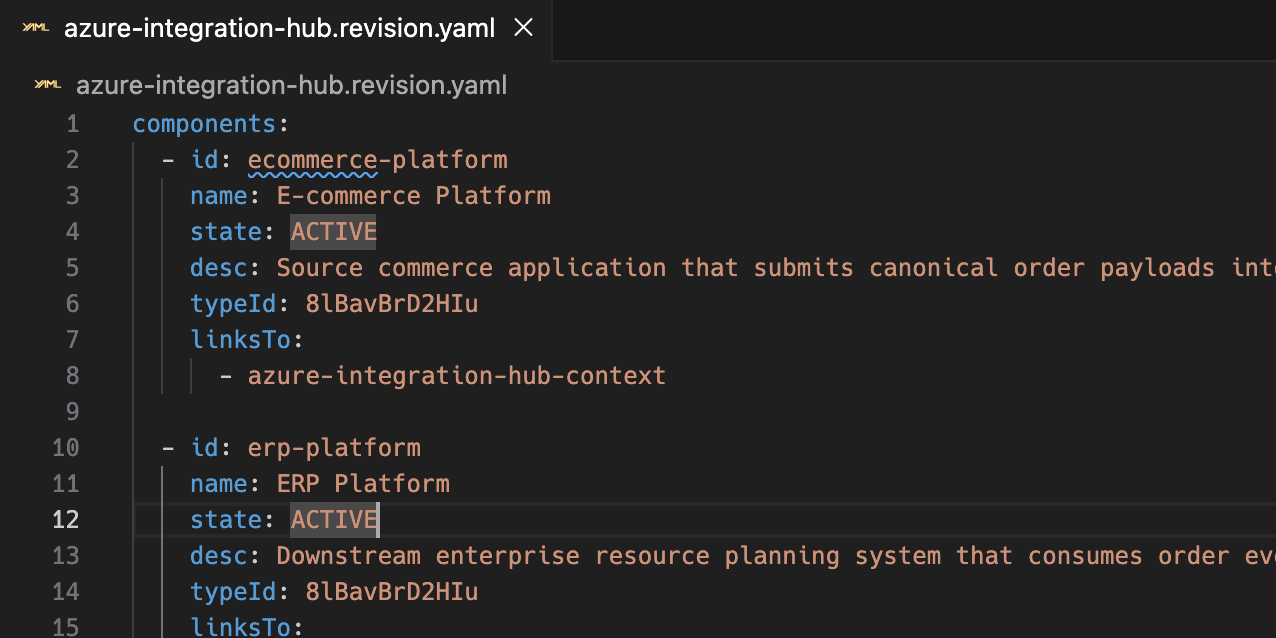
Revision showing a structured YAML architecture definition and generated diagram
Start with AI. Keep the output reviewable.
Draft architecture definitions with AI or write them directly by hand. Sync components and diagrams together through /api/external/template instead of committing static exports.
  • Generate structured YAML or JSON that works well with LLMs
  • Keep architecture changes in the repo and visible in pull requests
  • Review new dependencies, labels, and views with the rest of the codebase
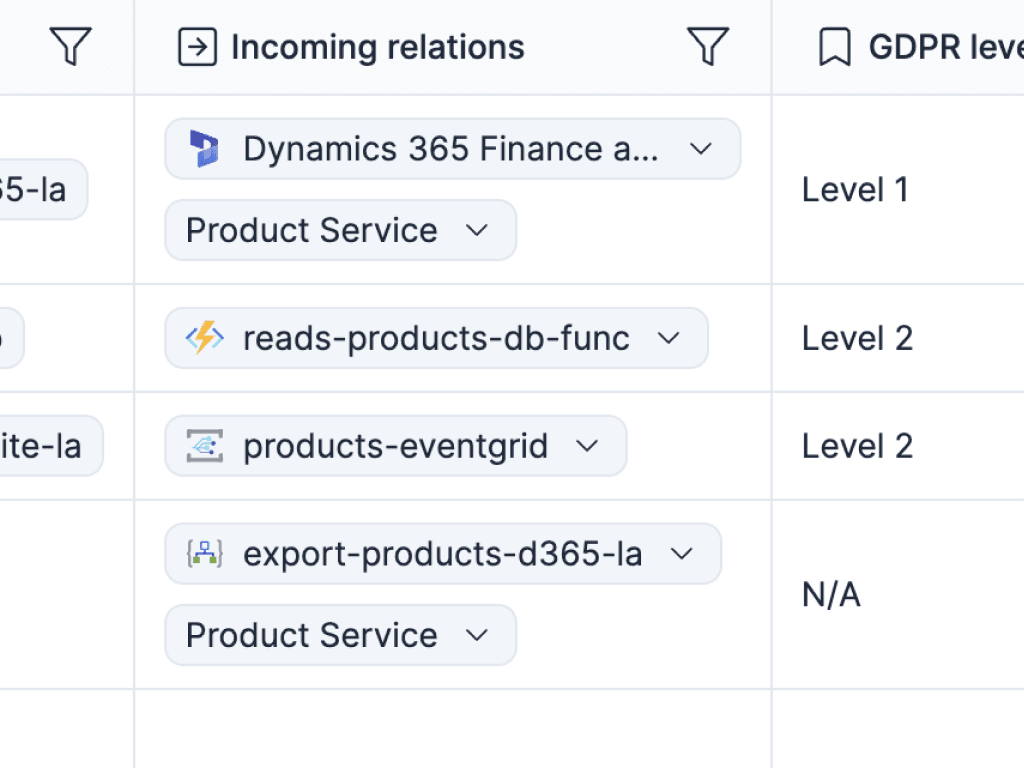
Revision architecture model query and dependency exploration view
Let agents work on the model, not a screenshot
Because Revision keeps a shared architecture model behind each diagram, agents can query components, relations, diagrams, and attributes using current context instead of guessing from an image.
  • Use Revision agent skills for natural-language architecture questions
  • Find systems, dependencies, and missing metadata faster
  • Ground AI in the live model instead of stale exported diagrams
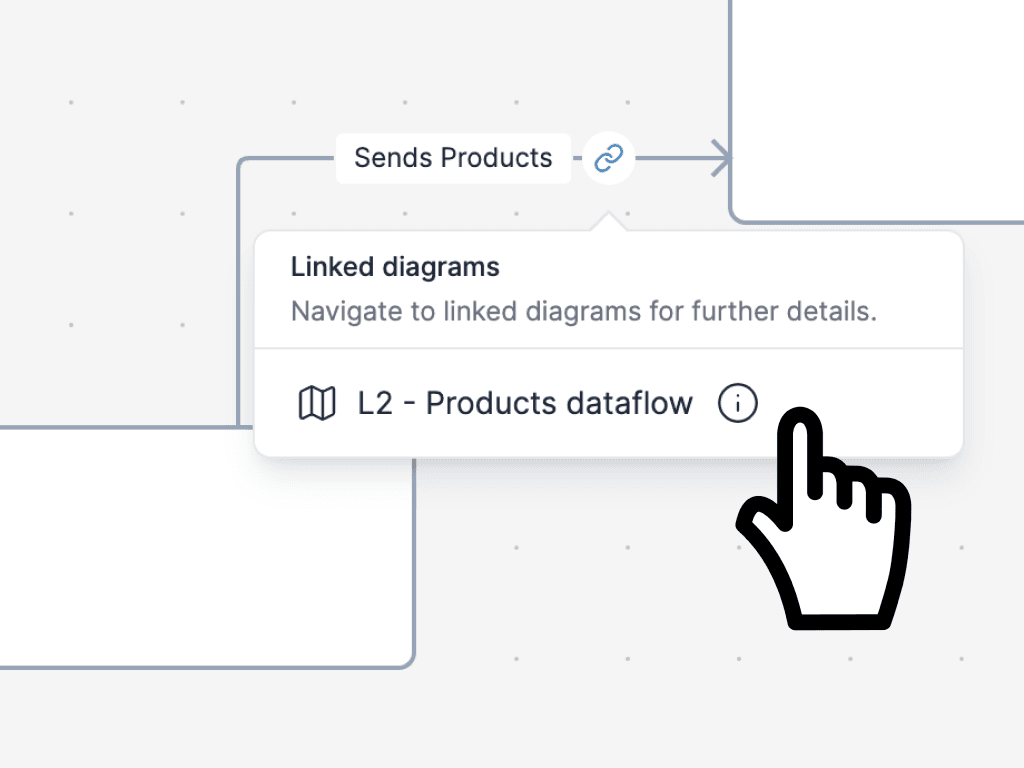
Linked architecture diagrams in Revision with zoomed views across abstraction levels
Generate with code. Refine for clarity.
Use code when it is faster. Use the editor when layout, hierarchy, and explanation matter. Revision supports both without forcing you to choose one workflow forever.
  • Let Revision auto-layout and size diagram elements when positions are omitted
  • Convert quick placeholders into reusable model components when they become important
  • Link views and add supporting context so the final diagram stays useful for people
Revision API and automation workflow for syncing architecture diagrams
Ship architecture updates with the rest of your stack
Run diagram syncs in GitHub Actions, GitLab CI, or Azure DevOps so your architecture keeps moving with the codebase instead of waiting for a cleanup sprint.
  • Treat diagrams as living documentation inside existing delivery workflows
  • Keep separate definitions for staging, production, or customer-specific environments
  • Use the same API-first workflow for imports, updates, and automation
Why the model matters
Structured diagrams are useful because they stay reusable across prompts, code, APIs, and visual views.
Reuse components across diagrams
Create a component once and let AI, the editor, and linked diagrams work from the same identity.
Move between C1, C2, C3, and supporting views
Keep higher-level and lower-level diagrams connected so generated outputs still fit a broader architecture story.
Add typed attributes that agents can understand
Track ownership, links, versions, and criticality in structured metadata instead of burying it inside notes.
Use draft, active, and archived states
Sketch aggressively, promote what belongs in the model, and retire old views without deleting the history around them.
Work from YAML, JSON, or direct API calls
Fit Revision into developer tooling without giving up the visual editor when the layout needs a human touch.
Make architecture legible to AI and humans
The same model supports natural-language analysis for agents and clear diagrams for the people shipping and reviewing systems.
Build the workflow
These docs show how to wire AI, code, and automation into a diagramming workflow that developers will actually use.
Docs
Generate diagrams with YAML

See the structured format Revision uses for AI-assisted and code-driven diagram generation.

Read more
API
Sync components and diagrams in one request

Use the template endpoint to upsert model data and views together instead of stitching workflows by hand.

Read more
Docs
Let agents query the architecture model

Use Revision agent skills so AI works against components, diagrams, attributes, and relations instead of screenshots.

Read more
Guide
Run diagram updates in CI/CD

Generate or update diagrams in GitHub Actions, GitLab CI, and Azure DevOps as part of your delivery flow.

Read more


Proof from real teams
Developers adopt the workflow when the structure is built in and the diagrams stay readable.
Tor Suneson profile photo
Tor Suneson
Business Architect
Softronic logo

Because the structure is built in, our documentation stays consistent without extra work.

It's faster to write, review, and understand, which makes it much easier to keep the architecture current.

Bring diagrams into the developer workflow.

Draft with AI, review in Git, sync through CI/CD, and keep one readable model behind every diagram.

Start free trial

No credit card required