Revision vsLucidchart.Revision vs Lucidchart.
Lucidchart is built for broad diagramming. Revision is built for living architecture docs.
No credit card required
.png&w=3840&q=75)
Teams that need software architecture docs to stay current across diagrams, reviews, and stakeholder access.
Teams that want broad intelligent diagramming across many departments, use cases, and visual formats.
Architecture-first. Build diagrams around a reusable model and keep the docs useful over time.
Diagramming-first. Use AI, data, automation, and templates across many kinds of collaborative visuals.
A shared architecture model keeps components and relationships consistent across every diagram, so teams do not have to update the same system in multiple places.
Lucidchart helps teams document and collaborate on diagrams, but it is not positioned around one reusable architecture model that keeps multiple views in sync.
Trace dependencies, compare current and future state, and reuse the same components across views.
Keep collaborating with strong templates, embeds, revision history, AI-generated diagrams, and broad integration coverage.
Built for teams that want architecture work closer to delivery, with YAML, JSON, API, Git, CI/CD, and AI-assisted updates.
Better suited if your workflow centers on collaborative visual editing, templates, and broad diagram creation rather than engineering-integrated architecture docs.
Readers and stakeholders stay free, which makes architecture rollout easier across teams and clients.
Strong collaboration, embeds, comments, and revision history for cross-team diagramming and documentation.
Focused on software architecture documentation instead of every possible diagramming job.
Broader across process maps, org charts, technical diagrams, AI visuals, sprint planning, and many other diagram types.
Starts with a 14-day free trial and charges only for editors. Readers stay free.
Offers free sign-up and paid plan tiers for individuals, teams, and enterprise buyers.
Revision is stronger when the challenge is not making the first diagram, but keeping one coherent architecture story as the system changes.
Reusable components and linked diagrams help teams avoid drift between high-level architecture, detailed views, and stakeholder communication.
Revision is a better fit when architecture should live closer to delivery, with updates drafted in YAML or JSON, synced through APIs and CI/CD, and reviewed alongside other changes instead of being maintained separately in a drawing tool.
Free readers and stakeholders make it easier to roll architecture docs out across teams, clients, and decision makers.
Lucidchart is stronger when many teams need one visual tool for process maps, org charts, technical diagrams, and many adjacent use cases.
Lucidchart has a much broader public story around templates, data-driven visuals, custom shape libraries, and general diagramming breadth.
If diagramming is shared across engineering, operations, product, and other functions, Lucidchart may fit better as the general standard.
If architecture is one use case among many, Lucidchart may be a better fit than a tool focused specifically on living architecture docs.
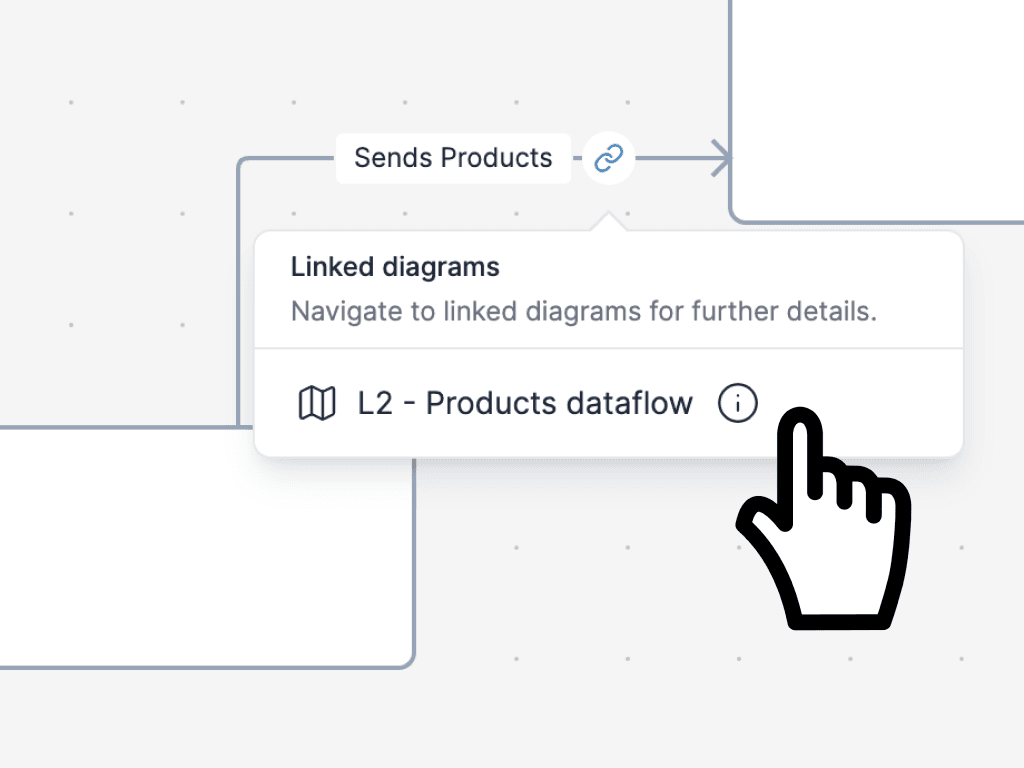
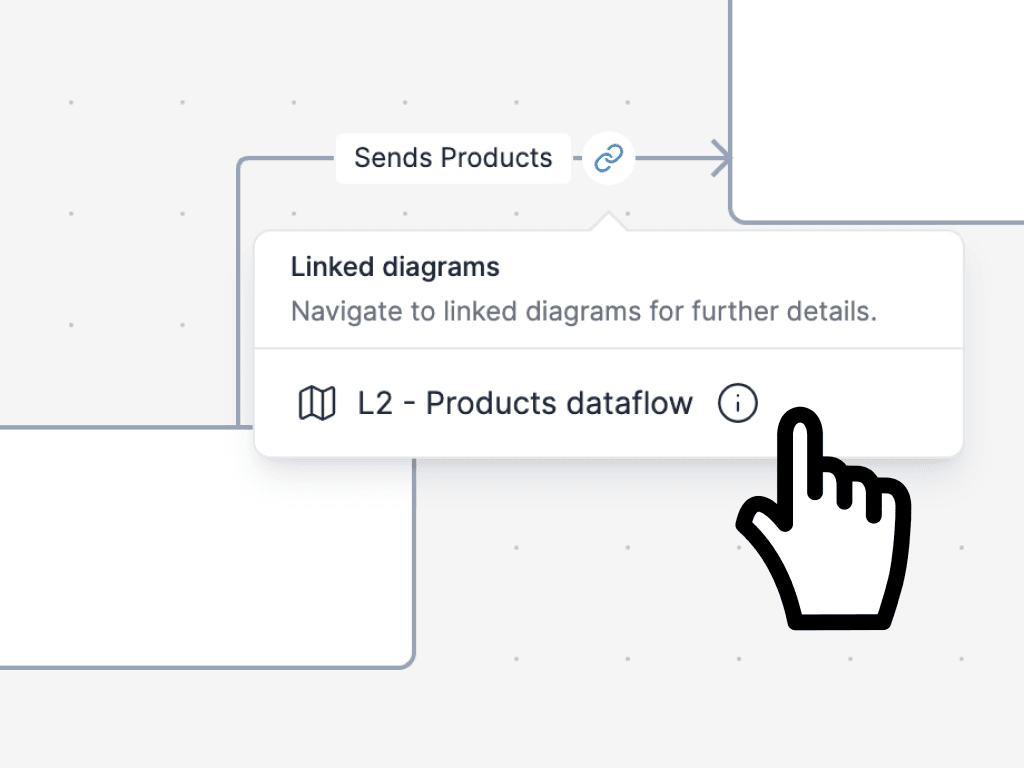
- One shared model behind multiple diagrams
- Reusable components instead of repeated shapes
- Linked views for context, detail, and explanation
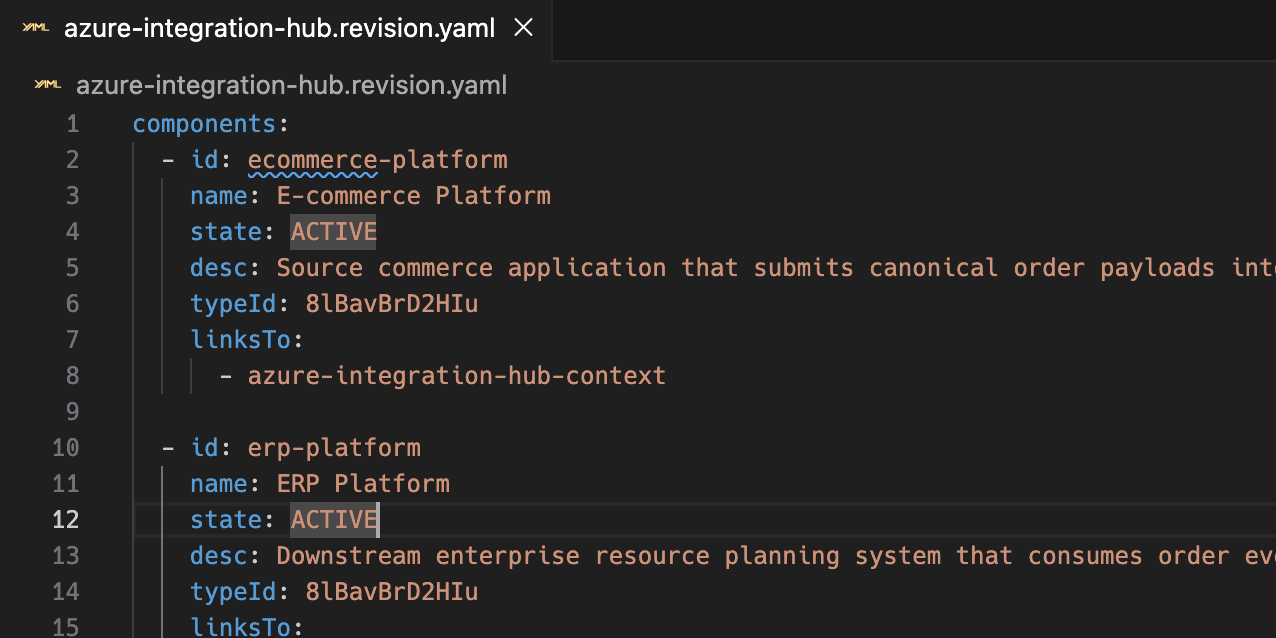
- Draft diagrams in YAML or JSON
- Review architecture changes in pull requests
- Sync updates through API and CI/CD workflows
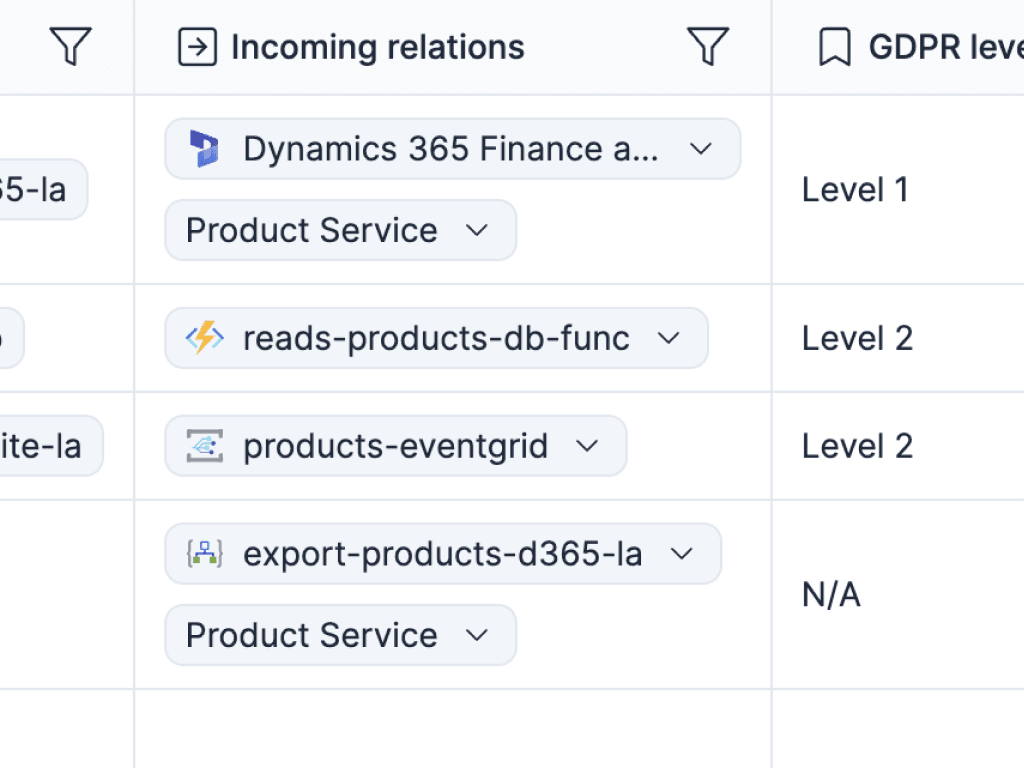
- Trace dependencies and answer impact questions faster
- Document current and future state in the same workspace
- Keep architecture docs useful between planning and delivery
.png&w=2048&q=75)
- Free readers and stakeholders
- Live links and always-updated embeds
- A cleaner rollout path for architecture docs across teams and clients
Read the broader case for architecture docs that stay useful after the first diagram is made.
Read moreSee why diagramming alone eventually breaks down when teams need one architecture story they can trust.
Read moreSee how Revision combines readable diagrams with workflows engineers can automate and review.
Read moreSee how Revision handles rollout across contributors, stakeholders, and consulting teams.
Read more

Because the structure is built in, our documentation stays consistent without extra work.
It's faster to write, review, and understand, which makes it much easier to keep the architecture current.
Straight answers for teams choosing between Revision and Lucidchart.
Start a free trial and replace disconnected diagrams with living architecture docs your team will actually keep updated.
Keep one shared model behind every view, give readers free access, and make architecture easier to review, share, and trust.
No credit card required